
Home / eBooks / Excel Formulas
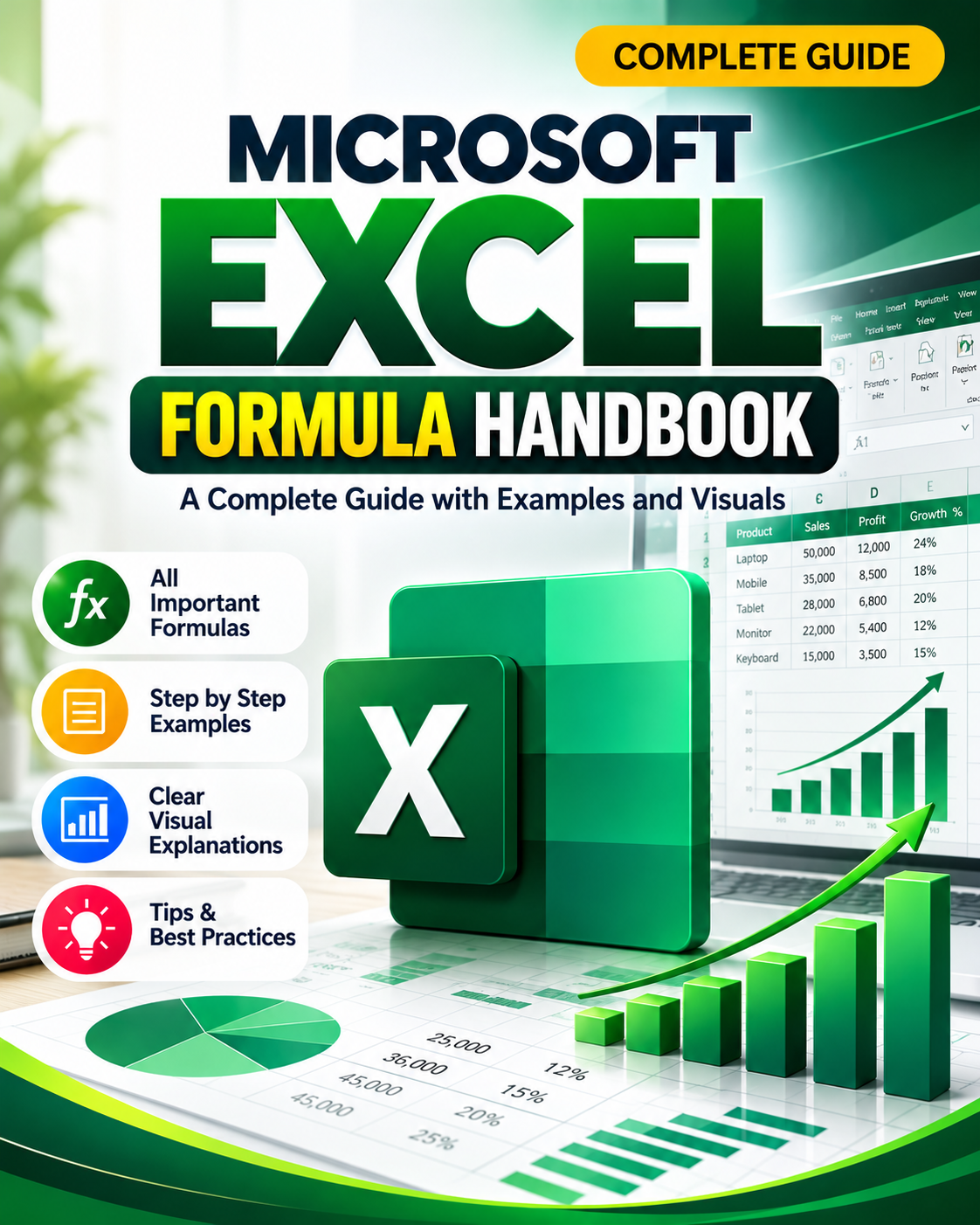
MS Excel Formulas with Examples
Excel formulas save hours of manual work once you know the most useful ones. Here are a few of the most used formulas with examples.
Get the full eBook · ₹49Sample questions and answers
What does VLOOKUP do?
VLOOKUP searches for a value in the first column of a range and returns a value from another column in the same row. Example: =VLOOKUP(A2, D2:F100, 3, FALSE) finds A2 in column D and returns the matching value from the third column, using an exact match.
What is the difference between XLOOKUP and VLOOKUP?
XLOOKUP can look in any direction, uses an exact match by default and can return a custom message when nothing is found. It is available in newer versions of Excel such as Excel 2021 and Microsoft 365.
How does SUMIF work?
SUMIF adds up the cells that meet a condition. Example: =SUMIF(A2:A10, "North", B2:B10) totals the values in column B wherever column A says North.
What is inside the full eBook
The free answers above are only a small sample.
Frequently asked questions
Which Excel formulas are the most important to learn?
SUM, IF, COUNTIF, SUMIF, VLOOKUP or XLOOKUP, INDEX with MATCH, and text functions such as LEFT, RIGHT and CONCAT cover most everyday work.
How can I learn Excel formulas quickly?
Practise on real data such as your own expenses or a sales sheet, learn one formula at a time with an example, and use shortcut keys to work faster.
Other eBooks you may like
More eBooks from Bookipedia.





.jpeg)
.png)
More guides: BPO · MBA · SAP · Digital Marketing · Python · Front End · Full Stack · Backend · Shortcut Keys